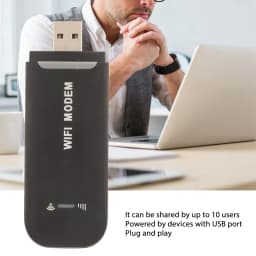
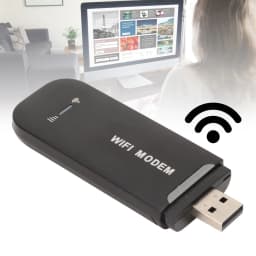
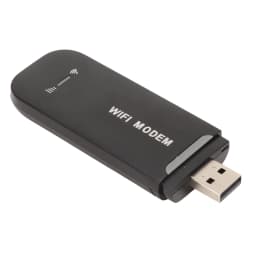
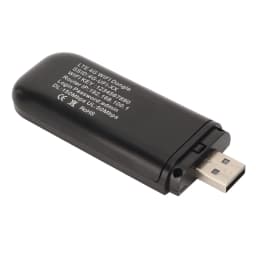
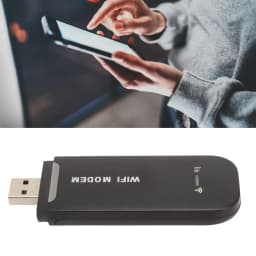
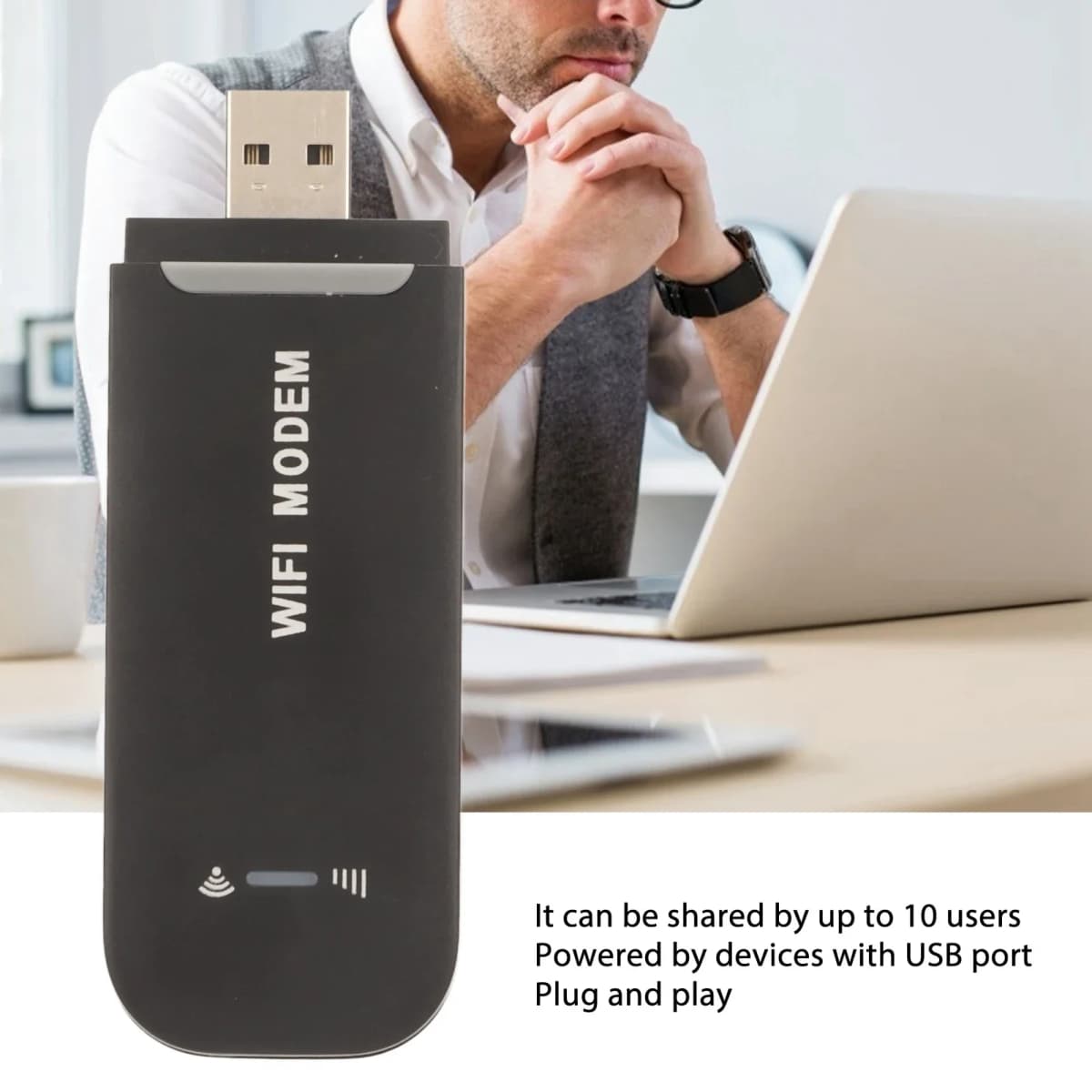
4G LTE Router 4G WiFi Router Black Up to 10 Users Stable Easy Connection USB Plug and Play for Hotspot Micro SIM Card Phone PC
Quantity:
1
Availability:
Not AvailableCard Payments
Crypto Payments
Easy return
Reliable Shipping
Features
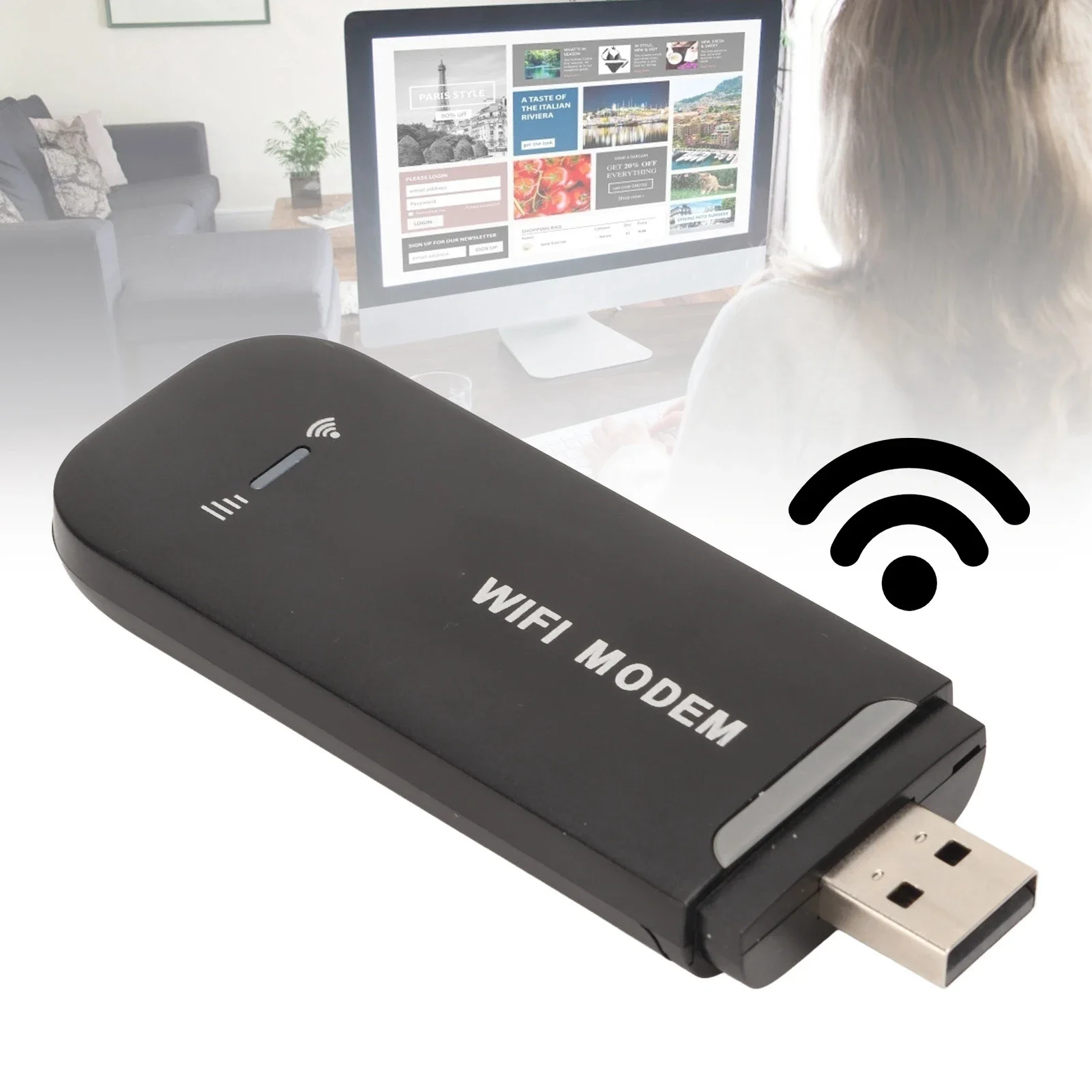
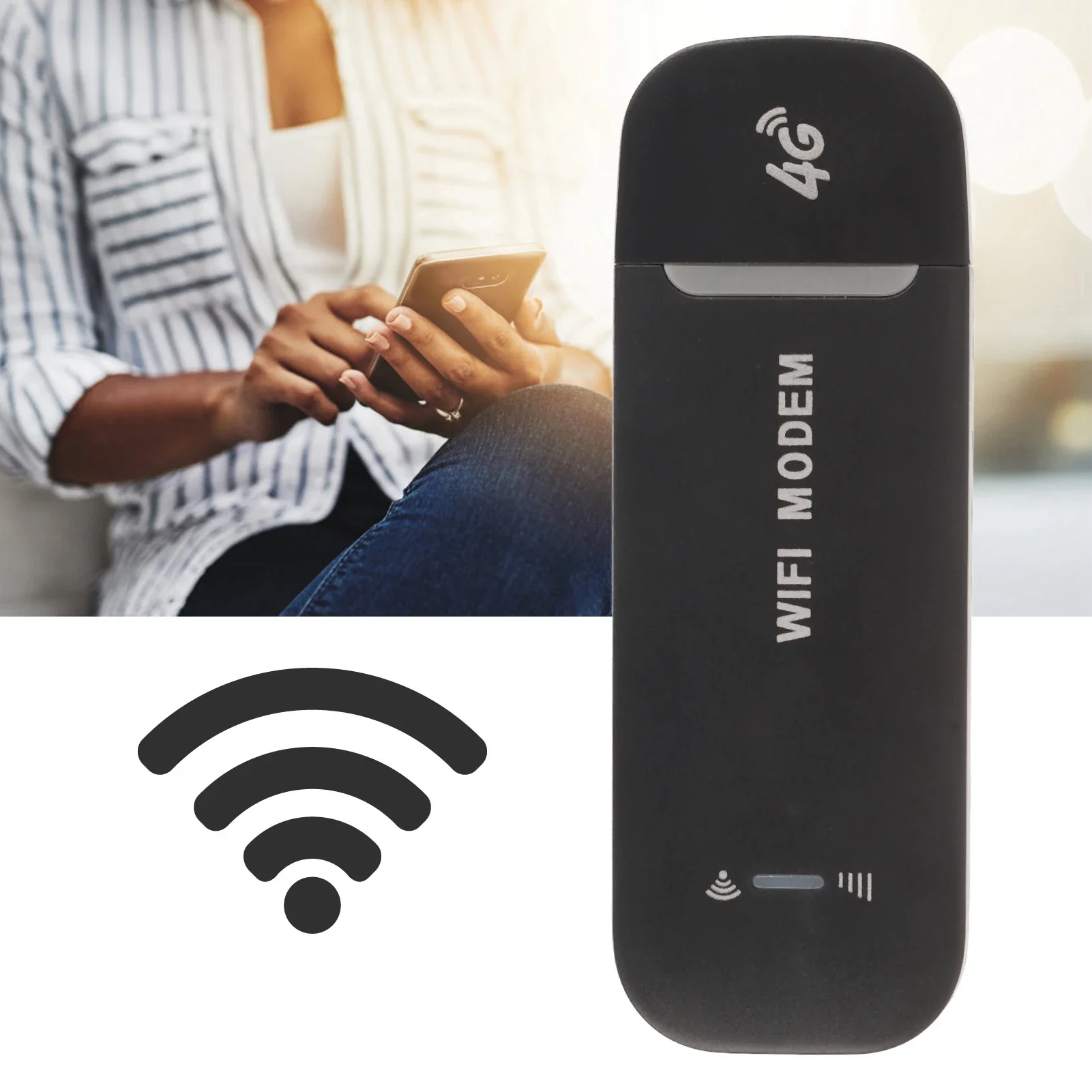
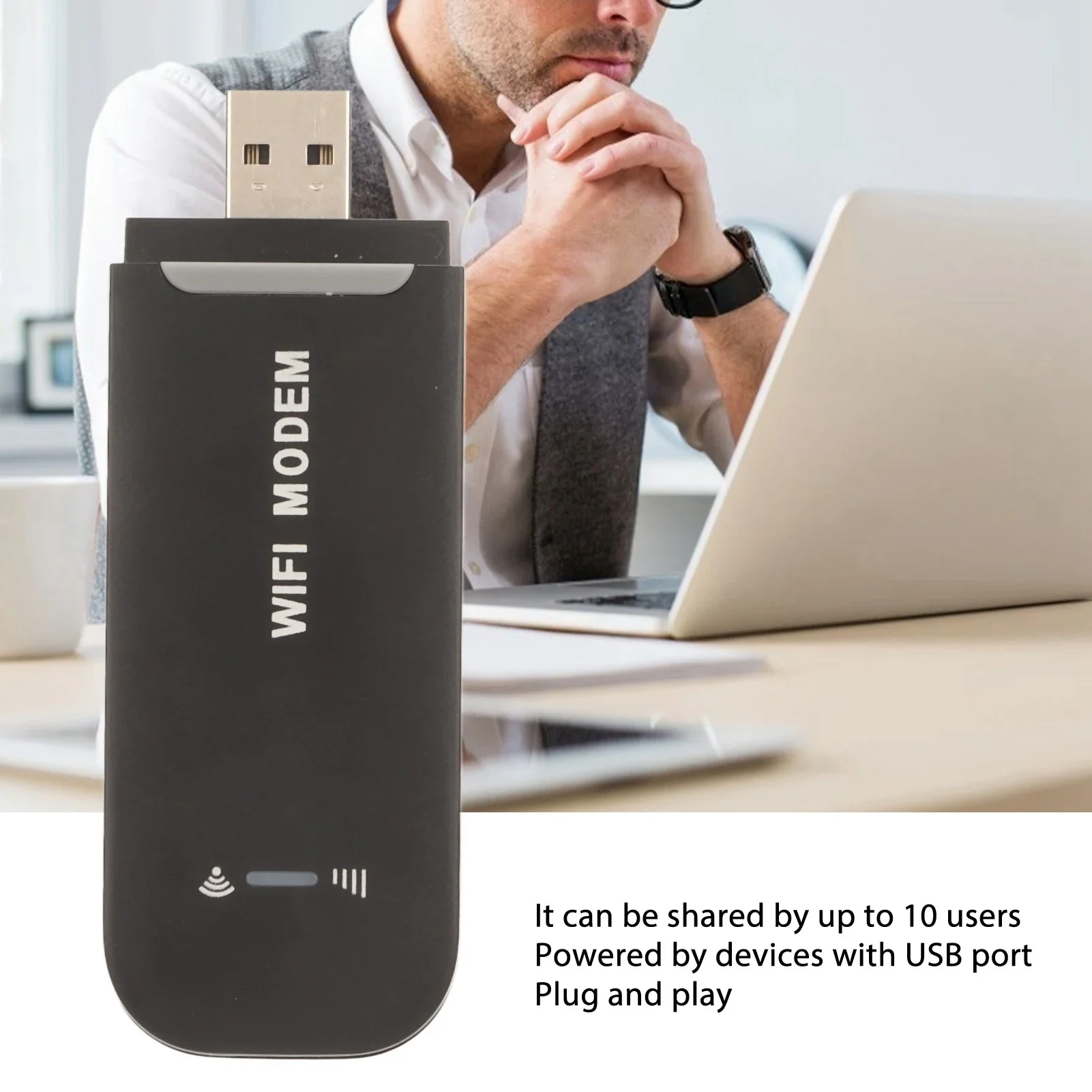
Up to 10 Users: This 4G WiFi router supports up to 10 users, suitable for phone, laptop, tablet, PC and TV, etc.
Easy Connection: This 4G LTE router only needs to be inserted with micro SIM card to search and connect, automatically turn on high speed 4G.
Plug and Play: This 4G USB modem can be powered by devices with USB port, such as phone charger, car charger and power bank.
High Safety: This mobile WiFi router with multiple protection adopts WPA/WPA2 WiFi encryption to provide reliable security, support data control.
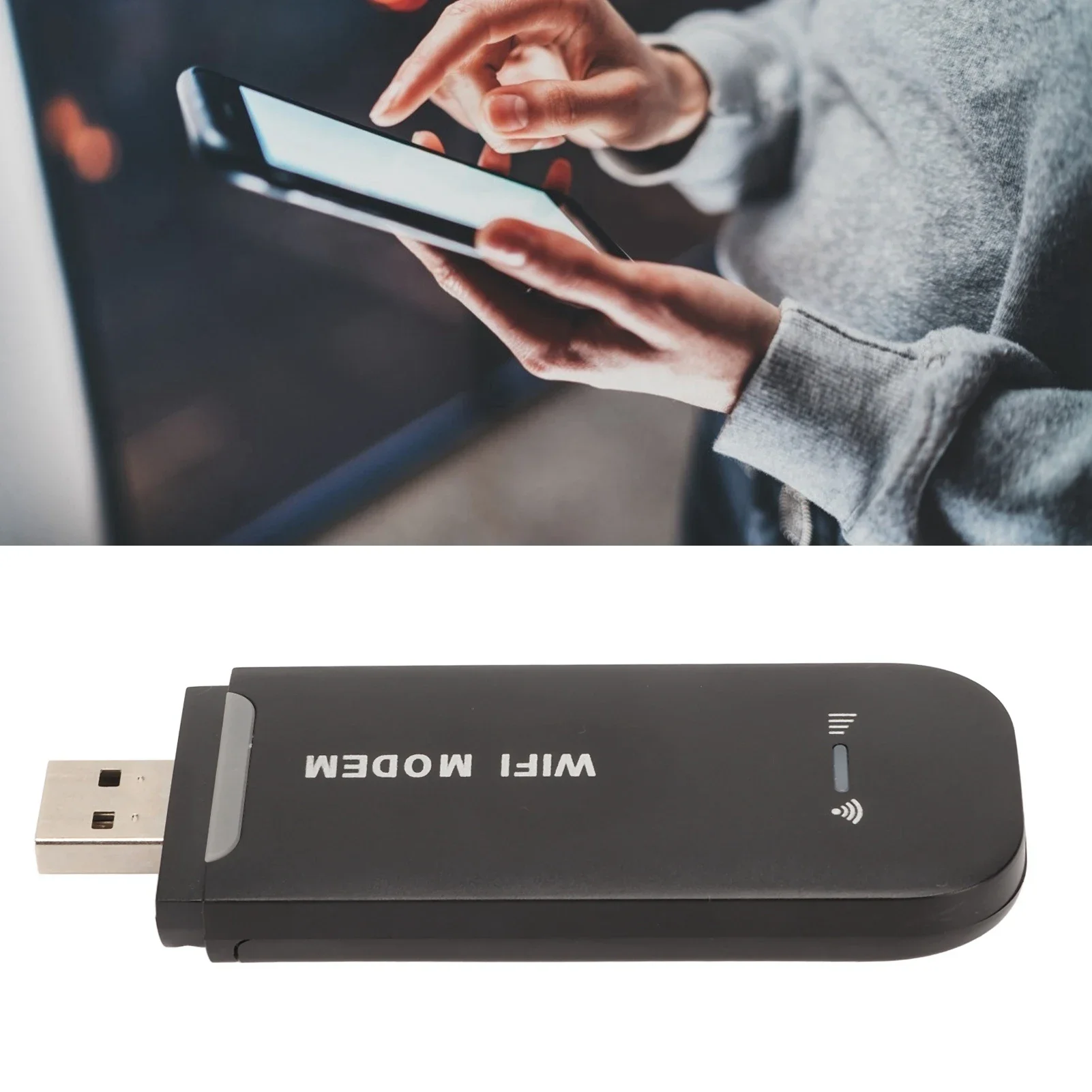
Portable Size: This SIM WiFi dongle features in small and portable size can provide fast and stable signals.
Specification
This device does not come with a SIM card and requires users to configure and use their own SIM card, which should support B1/B3/B5 signals
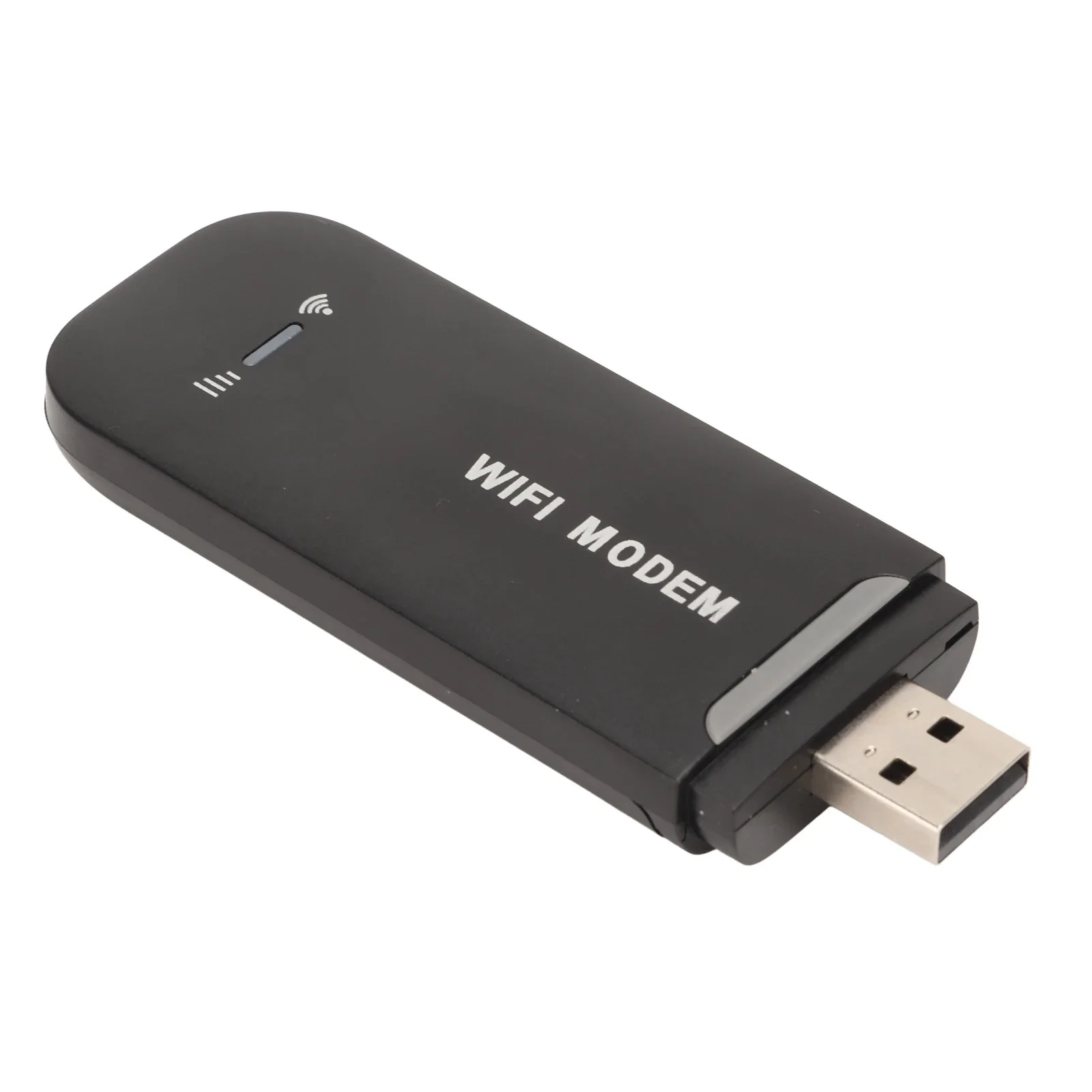
Item Type: 4G WiFi Router
Material: ABS
Color: Black
Type: Insert Card
Card Slot: Micro SIM Card
4G LTE FDD: B1/B3/B5
3G WCDMA: B1
WiFi: Supports 802.11b/g/n
Share: Up to 10 Users
How to Use
Inserting the micro SIM card after sliding and remove the back cover, please refers to user manual for details.
Attention: Please use a 5V1A power supply for this product. It does not support 12V and 5V4A power supplies. Attention, please!
Package List
1 x 4G WiFi Router
1 x User Manual
Customer Reviews
55 ratings
works well (6)
defective (3)
fast delivery (2)
high value for price (2)
strong signal (1)
Customer photos (14)

U***r
June 16, 2026
Variant: Color:black
After each new power-on, it needs to be reconfigured, I do not recommend it.
Buyer from Angola
June 12, 2026
Variant: Color:black
I received the product successfully
Buyer from Ukraine
June 4, 2026
Variant: Color:black
Good.
Buyer from Ukraine
June 4, 2026
Variant: Color:black
works both via USB and WiFi connections on Kyivstar, speed is 14-18, basically normal.
Buyer from South Korea
June 1, 2026
Variant: Color:black
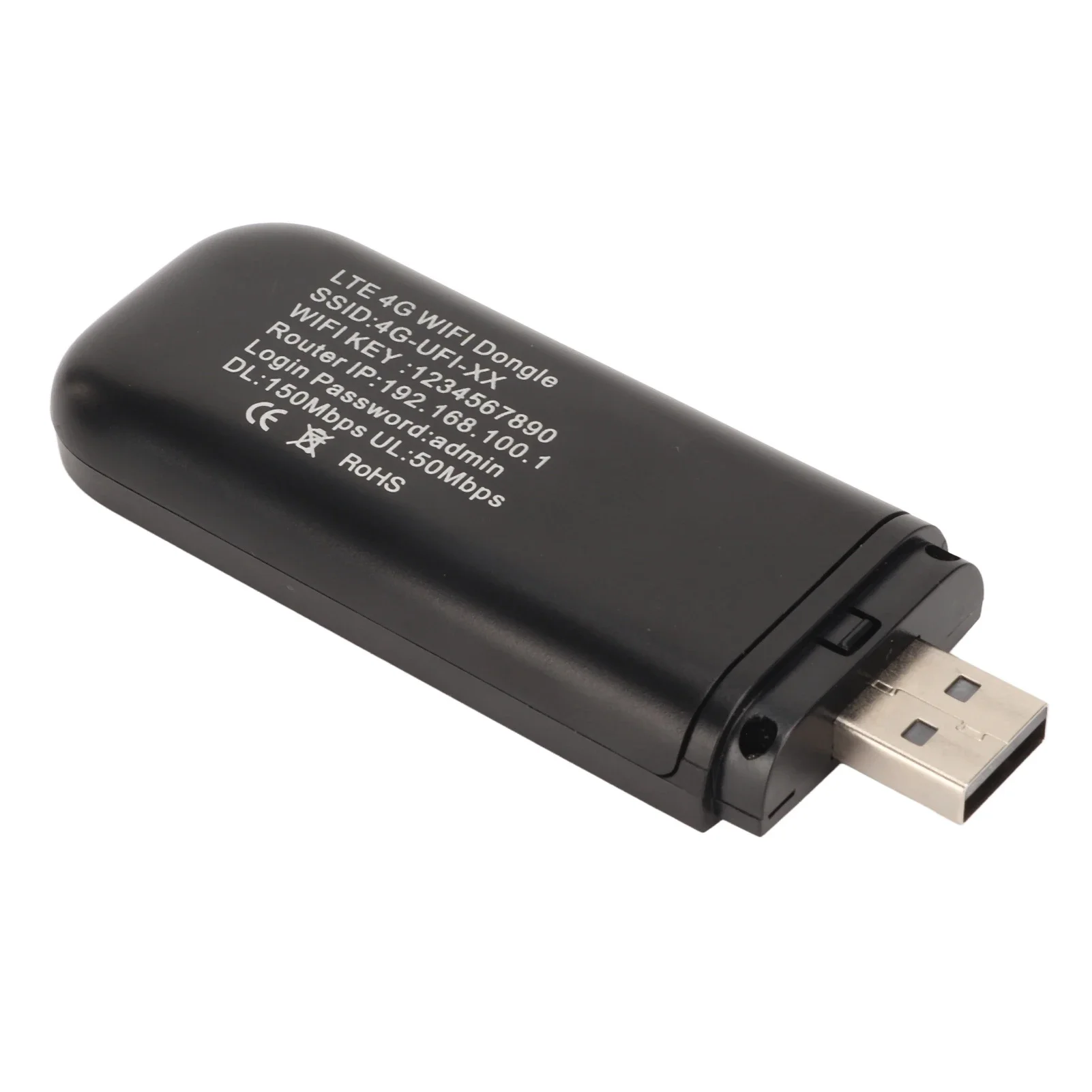
The 4G LTE frequencies supported by this device are only B1, B3, and B5. KT (most advantageous): B3 (main network), B8 (secondary network) * This device fully supports KT's main network, B3, so the signal is strong as soon as you insert the SIM card. SKT (may not explode depending on the region): B5 (main network), B1/B3 (secondary network) * SKT is the main network with B5 installed across the country. *LGU+ (worst compatibility): B5 (main network), B1/B7 (secondary network) * LGU+ operates on a 100% LTE network (VoLTE) unlike other carriers, and carrier certification is challenging. Similarly, if the B5 main network does not match well or the device registration (IMEI) is not completed, it will completely reject the signal. # Missing manual APN (access point name) settings The KT SIM card may have been automatically recognized by the device, but there is a high probability that SKT or LGU+ will not be used by the device unless you manually enter the address (APN settings). Ways to resolve the issue (SKT / LGU+ save) 1. Access the router settings page: After turning on the device, connect to the router's Wi-Fi using your smartphone. The administrator address written on the back of the device or in the manual (192.168.100.1) is used to connect to the internet window. 2. Navigate to the APN settings menu: Find the network settings or APN settings menu. 3. Add a new APN: Enter the values below according to the SIM card you want to use, save (apply), and then reboot the device. | Telecommunications company | Name | APN value | SKT (Smartphone SIM Card) | SKT LTE | lte.sktelecom.com | SKT (Data Sharing) | SKT LTE modem | ltetab.sktelecom.com | LGU+ (Common) | LGU+ LTE | internet.lguplus.co.kr | The SK Alteo phone can be used effectively by changing the SIM card settings.
Buyer from South Korea
May 30, 2026
Variant: Color:black
At first, I didn't know if the charger was broken, so I kept switching between red and green lights, which made me suspect that the device was defective. But after changing the charger (5V), it has been working continuously and the internet connection is very good. I don't know if it's because I only connected the CCTV, but it might be slow. I think it will be fine for use in a shed, but I'm a little worried that it might be weak in hot or cold environments. It's cost-effective, so I'm thinking of buying another one as a backup. If I'm worried about maintenance, I probably won't be able to use it, right?
4G LTE Router 4G WiFi Router Black Up to 10 Users Stable Easy Connection USB Plug and Play for Hotspot Micro SIM Card Phone PC
Quantity:
1
Availability:
Not Available